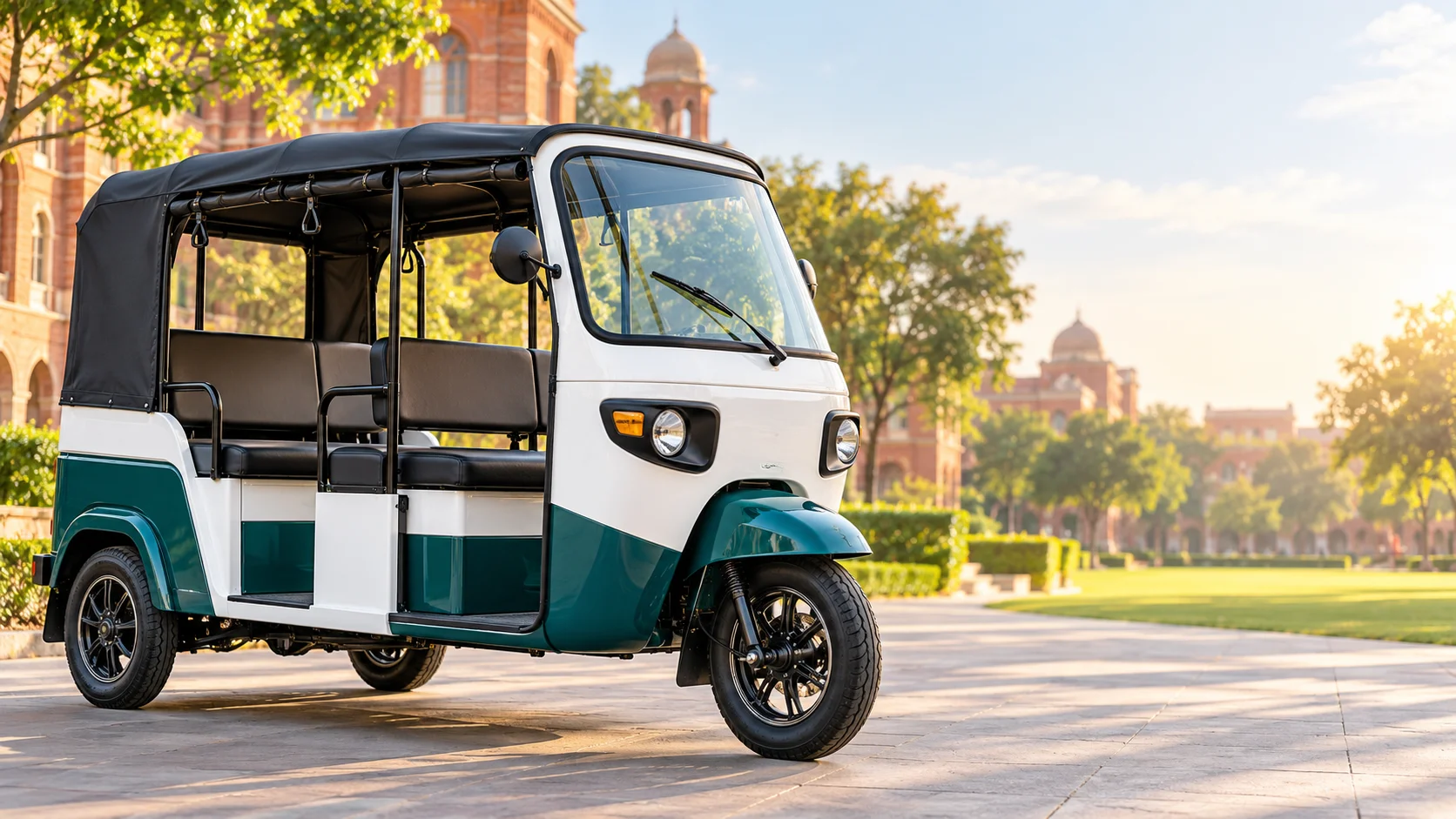
 Campus mobility illustrationCampus mobility illustration
Autos online
—Sign in for live availabilityYour ride
Let’s get movingBook your next campus journeyAvailable seats
—Across online autosLET’S GET YOU MOVING
Your next ride starts here.
Sign in to see available autos and book your journey.
WELCOME BACK
Welcome back.
Sign in to book an auto, manage your trips, or oversee campus operations.
JOIN THE CAMPUS CREW
Create your account.
Drivers need admin approval before going online.
Or use your Google account
Verify your email
Enter the six-digit code sent to . The code expires in 10 minutes.
Complete your profile
One last step before your first ride. Your sign-in email comes from Firebase.
Online autos
Live campus availabilityRide details
No active request.
BOOK A RIDE
Where are you heading?
Ride history
YOUR AUTO
Location is not being shared.
Route & direction
Waiting demand
Pickup → destination indicates travel direction. No student contact information is shown.
Personal Emergency
Stops new assignments. Waiting passengers will be considered for another auto. Passengers already travelling require operations support.
Passenger policy
Fixed shuttle configuration
Driver management
Accounts
Pickup & destination points
Emergency monitoring
Recent ride activity
Audit log
Notifications
My profile
How to use Auto Track
Book a campus ride
Sign in as a student, choose your pickup and destination, then request an auto. Your assignment will appear in Ride details.
Follow your journey
Campus Map shows locations shared by online drivers. Call details become available after a driver is assigned.
Driving on campus?
Create a driver account and wait for campus admin approval. Once approved, save your direction and go online.